
HL7 vs FHIR: A Practical Integration Guide for EHR Projects
When to use HL7 v2 messages, when to use FHIR APIs, and how to scope an EHR integration project so it survives go-live.
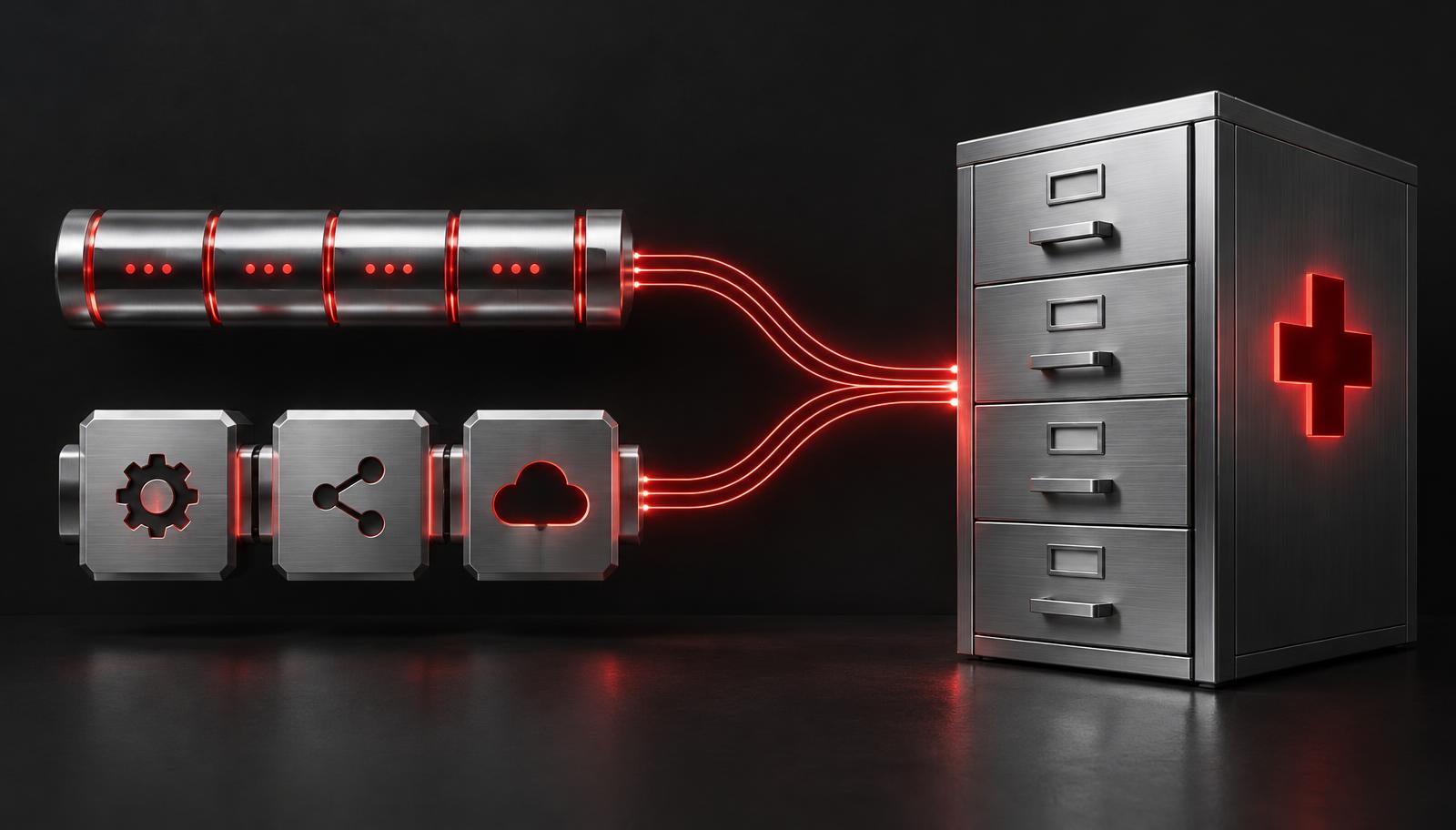
Almost every healthcare product eventually has to talk to an electronic health record. The first technical question is usually the same: HL7 integration or FHIR? The honest answer is that most real EHR projects use both. HL7 version 2 still carries most real-time events inside hospitals, while FHIR has become the standard way for apps to read and write patient data over modern APIs. This guide explains what each standard does well, where each one causes trouble, and how to scope the work so it survives go-live.
It is written for product owners, CTOs and clinical informatics leads who are evaluating EHR integration services or planning an in-house build. It is general technical information, not legal or regulatory advice, and it does not promise specific timelines or costs, because those depend on the systems and organizations involved.
Key takeaways
- HL7 integration (HL7 v2 messaging) remains the backbone of real-time hospital events such as admissions, orders and results.
- FHIR integration gives apps modern APIs to read and write patient data on demand, including SMART on FHIR launches.
- Most real projects combine HL7 integration and FHIR integration behind one internal data model.
- Good EHR integration services plan for site access, testing and monitoring, not only code.
- For HL7 EMR integration, budget time for per-site specifications and message variations.
The short version
| HL7 v2 | FHIR (R4) | |
|---|---|---|
| Style | Event-driven messages (pipe-delimited segments) | RESTful resources over HTTPS, JSON or XML |
| Typical transport | MLLP over TCP via an interface engine | HTTPS APIs, OAuth 2.0 / SMART on FHIR |
| Best at | Real-time hospital events: admissions, orders, results | Apps reading and writing patient data on demand |
| Where you find it | Inside nearly every hospital system | Modern EHR APIs, patient access and payer APIs |
| Main challenge | Site-specific variations of the "same" message | Uneven vendor support for resources and write access |
If you only remember one thing: HL7 v2 pushes events to you, FHIR lets you ask questions. Products that need both live awareness and on-demand lookups usually end up with a hybrid design.

Why this decision is harder than it looks
On paper, picking a standard is a technical choice. In practice, it is constrained by who owns the data, what each organization is willing to expose, and how much internal IT capacity a hospital has. A health system may have a modern FHIR API but refuse write access to third parties. Another may have no public API at all but run a mature interface engine that has been feeding dozens of downstream systems for years.
That is why a good integration plan starts with an inventory of access options at each site, not with a preference for the newer standard. A few realities shape most projects:
- Hospitals rarely change core interfaces for a single vendor. You adapt to their feed, not the other way around.
- Standards describe what is possible, not what a given vendor has switched on or licensed.
- Approvals, security reviews and sandbox access tend to take longer than the engineering.
- The cost of an integration is mostly in the long tail of edge cases, not the happy path.
What HL7 v2 integration looks like
HL7 version 2 has been the workhorse of hospital interoperability for decades. Systems send messages when something happens. An ADT message reports that a patient was admitted, transferred, discharged or updated. An ORM (or the newer OML) message carries an order. An ORU message delivers an observation result, such as a lab value or a radiology report. SIU messages carry scheduling events. Other families you will meet include MDM for documents, DFT for financial transactions and VXU for immunizations.
A message is a set of segments such as MSH (header), PID (patient identification), PV1 (visit), OBR (observation request) and OBX (observation result). Fields inside segments are separated by pipe characters, and components inside fields by carets. The standard is flexible, which is both its strength and its biggest cost: two hospitals can send "valid" ADT messages that differ in which fields are populated, which code sets are used and how custom Z-segments are defined.
The core HL7 message types
| Message | Trigger | What your product typically does with it |
|---|---|---|
| ADT (A01, A03, A04, A08) | Admit, discharge, register, update patient | Create or update the patient index, track encounters and location |
| ADT (A40) | Merge patient records | Reconcile duplicate identities without losing history |
| ORM / OML | New, changed or cancelled order | Display or fulfill orders, route to a lab or imaging workflow |
| ORU | Result available or corrected | Store results, notify clinicians, trend values over time |
| SIU | Appointment booked, rescheduled, cancelled | Sync schedules, power booking and telemedicine visits |
| MDM | Document created or amended | Receive or return notes and summaries |
What HL7 work involves day to day
In practice, HL7 integration means:
- Connecting through the hospital's interface engine (for example Rhapsody, Mirth/NextGen Connect, Cloverleaf or InterSystems), usually over a VPN with MLLP.
- Writing a specification per site that documents trigger events, field mappings and code translations.
- Handling acknowledgements (ACK and NAK), retries, duplicates and out-of-order messages.
- Translating local codes to standard vocabularies such as LOINC for labs, SNOMED CT for problems and RxNorm for medications, where the site's codes are not already standard.
- Agreeing on character encoding, time zones and identifier assignment so that the same patient is the same patient everywhere.
HL7 v2 remains the right choice when you need a real-time feed of clinical events from inside a hospital. It is also frequently the only option for older lab, imaging and departmental systems.
Why "HL7 compliant" does not mean "plug and play"
Version 2 deliberately leaves room for local implementation. Fields are optional, repeating, or used differently from site to site. A result's abnormal flag might live in one place at one hospital and be omitted at another. Because of this, a vendor claiming to be "HL7 compatible" has told you very little. What matters is whether they can read the site's actual message samples and a written interface specification, and whether they have a process for the differences that surface during testing.
What FHIR integration looks like
FHIR (Fast Healthcare Interoperability Resources), published by HL7 International, models healthcare data as resources such as Patient, Encounter, Observation, MedicationRequest and Appointment, exposed through standard REST APIs. The current widely implemented version is FHIR R4, and CMS lists FHIR Release 4.0.1 among the technical standards in its interoperability policies 3.
For app developers this feels familiar: authenticate, call an endpoint, receive JSON. A typical FHIR integration reads a Patient, searches for Observations by category and date, and follows references to related resources. Searches return Bundles that may be paged, and the server describes what it supports in a CapabilityStatement, which you should read before you design anything.
In the US, the ONC certification program requires certified EHRs to provide standardized FHIR API access, which is why FHIR availability has grown quickly.
The limits are practical rather than conceptual:
- Read access is broader than write access. Many vendors expose fewer write operations, or require extra approval.
- Each vendor implements profiles (such as US Core) with its own extensions, quotas and app-review process.
- FHIR Subscriptions for event notifications are less consistently available than HL7 v2 feeds.
- Rate limits and data-volume caps can make naive polling designs fail at scale.
SMART on FHIR
SMART on FHIR adds a standard OAuth 2.0 based authorization and launch framework to FHIR. It lets an app open inside the EHR with the clinician's context (the current patient and encounter), or lets patients sign in to their own records from a standalone app. There are two common modes:
- EHR launch. The clinician opens your app from inside the EHR. The EHR passes a launch context, your app exchanges it for an access token, and you see only the patient and scopes that were granted.
- Standalone launch. The user opens your app directly and is redirected to the EHR's authorization server to sign in and consent. This is how most patient-facing apps work.
Plan for scopes carefully. Request only the resource types and operations you need, because broad scopes slow vendor app review and increase risk. Also plan for refresh tokens, token expiry and what your app does when a user's session ends mid-workflow.
US Core and USCDI
US Core is the HL7 FHIR implementation guide that defines the baseline profiles for US data exchange. It builds on the United States Core Data for Interoperability (USCDI), which the Office of the National Coordinator describes as a standardized set of health data classes and data elements for nationwide, interoperable health information exchange 2. In plain terms: USCDI says which data matters, and US Core says how to express it in FHIR.
For your project this means:
- Design your internal model so it can ingest US Core profiles of Patient, Condition, Observation, MedicationRequest, AllergyIntolerance and others.
- Validate payloads against the profile version your target EHR actually supports, since versions differ between vendors and releases.
- Expect extensions and gaps. Profiles define a floor, not everything a site stores.
Bulk FHIR
Bulk FHIR (the Bulk Data Access implementation guide, sometimes called Flat FHIR) solves a different problem than per-patient APIs. It lets an authorized system request data for a whole group of patients asynchronously and download it as newline-delimited JSON files. The ONC interoperability platform lists the Bulk Data Access guide as a final, production-maturity specification 1.
Bulk FHIR fits population-level use cases: analytics, quality reporting, registry building, risk models and initial data loads. It is not a substitute for real-time workflows. Plan for large file handling, backend-service authentication, resumable downloads and a pipeline that deduplicates and updates records on later exports.
CDA and C-CDA documents
Before FHIR matured, much clinical exchange happened through documents. The Clinical Document Architecture (CDA) is an HL7 XML standard for clinical documents, and C-CDA is the set of templates, such as the Continuity of Care Document, Discharge Summary and Progress Note, used widely in the US.
You will still meet C-CDA in several situations: health information exchanges, referrals between organizations, patient-requested summaries and transitions of care. Considerations:
- C-CDA is document-centric. It carries a snapshot with human-readable narrative plus structured sections, not a live queryable record.
- Parsing quality varies. Different EHRs populate sections differently, so test with real samples from each source.
- Mapping C-CDA to FHIR resources is common, but it is lossy in places. Keep the original document so clinicians can always see what was received.
- FHIR can also represent documents through DocumentReference and Composition, which helps when you want to share both.
So which should your project use?
Start from the workflow, not the standard.
Choose HL7 v2 when you need real-time hospital events (admissions, orders, results), you are integrating with a lab, imaging or departmental system, or the site only offers interface-engine connectivity.
Choose FHIR when you are building a patient-facing or clinician-facing app that reads data on demand, you need an in-EHR launch (SMART on FHIR), or you want one integration pattern that works across many organizations.
Use documents (C-CDA) when you are exchanging summaries between organizations or through health information exchanges, where document-based sharing is the established route.
Use both when your product needs live events and on-demand queries. A common architecture receives ADT and ORU messages through HL7 v2, normalizes them into FHIR resources internally, and uses the EHR's FHIR API for lookups and write-back. Normalizing to one internal model keeps the rest of your application independent of each site's quirks.
Decision guide by use case
| Use case | Usually best fit | Why |
|---|---|---|
| Real-time admission and discharge alerts | HL7 v2 ADT | Event pushed the moment it happens |
| Lab or imaging results into your app | HL7 v2 ORU, sometimes FHIR Observation | Depends on the source system |
| Patient-facing app showing records | FHIR with SMART standalone launch | Patient consent and API access |
| Clinician tool inside the EHR | SMART on FHIR EHR launch | Context and single sign-on |
| Appointment sync and booking | SIU or FHIR Appointment and Slot | Depends on what the scheduling system exposes |
| Population analytics | Bulk FHIR | Efficient large exports |
| Transitions of care | C-CDA or FHIR documents | Established document exchange |
HL7 EMR integration with smaller practices and legacy systems
HL7 EMR integration is not limited to large hospitals. Ambulatory practices, specialty clinics and labs often run EMRs that support a limited set of HL7 interfaces, sometimes licensed per interface by the vendor. A few points are worth raising early:
- Ask whether the vendor charges for each interface or connection and how long their queue typically is. Do not assume it is quick.
- Smaller sites may not have an interface engine or staff who can troubleshoot it, so your team may need to host the interface engine side and provide monitoring.
- Some EMRs offer only flat-file, database or proprietary API exchange. A middle layer may be needed to translate.
- For cloud-based EMRs, FHIR or vendor REST APIs are often the easier path, but check the write operations you need before committing.
Interface engines and integration architecture
An interface engine is the traffic controller of an HL7 environment. It receives messages, transforms them, routes them and keeps a log. Hospitals nearly always operate one, and your project will connect through it. Whether you bring your own engine depends on scale.
| Option | Good for | Watch out for |
|---|---|---|
| Use the hospital's engine only | One or two sites, simple feeds | Limited control over monitoring and replay |
| Run your own engine in your cloud | Many sites, consistent processing | Operating and securing it, VPN management |
| Managed integration platform | Faster start, many prebuilt connectors | Licensing, vendor lock-in, per-connection fees |
| Custom service without an engine | Very narrow, stable integrations | Rebuilding queuing, retries and audit features |
Whichever you choose, the architecture should include a few non-negotiable components:
- A durable queue between receipt and processing, so a downstream failure does not lose messages.
- An raw message archive, stored securely, so you can replay and investigate.
- A canonical internal model, often FHIR-shaped, to keep site-specific mapping at the edge.
- Idempotent processing so a duplicate message does not create a duplicate result.
- Monitoring and alerting for connection drops, error rates and backlog growth.
Common EHR integration patterns
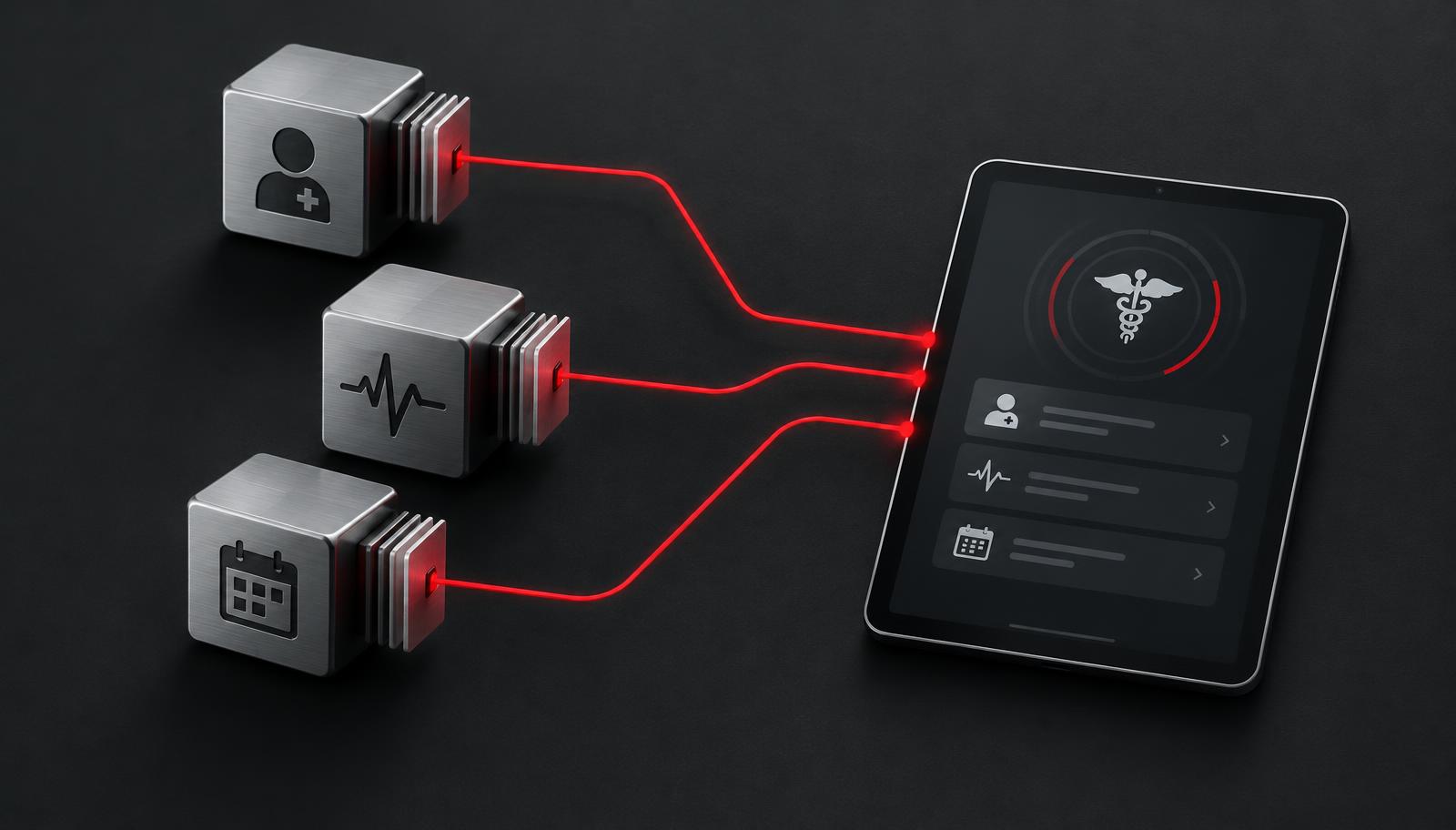
- Inbound results feed. Lab or device results arrive as ORU messages and are stored as Observation resources.
- Patient sync. ADT events keep a patient index current; FHIR Patient lookups fill gaps.
- Scheduling. SIU messages or FHIR Appointment and Slot resources power booking and telemedicine visits.
- Embedded app. A SMART on FHIR launch opens your tool inside the clinician's EHR workflow.
- Document write-back. Visit notes or summaries are returned as FHIR DocumentReference or HL7 MDM messages.
- Population export. Bulk FHIR exports feed analytics or registry pipelines on a schedule.
For virtual care products, scheduling, patient matching and note write-back are usually the first integrations to plan. Our telemedicine app development cost guide explains how those integrations affect budgets, and our telemedicine services page describes the kind of products we build.
Security and compliance
Both standards move protected health information, so the integration must sit inside a HIPAA-aware design: encrypted transport, least-privilege access, audit logging, business associate agreements with every vendor that handles PHI, and a clear data-retention policy. The HHS Security Rule guidance is the reference point. This article is general technical information, not legal or regulatory advice.
Specific practices for integration work:
- Network. Use site-to-site VPNs or private connectivity for MLLP, and never expose an MLLP listener to the open internet. Restrict by IP and certificate where possible.
- Transport. Use current TLS versions for all FHIR and web traffic. Consider mutual TLS for system-to-system connections.
- Authorization. Use SMART scopes and the narrowest permissions that work. Review client credentials and rotate secrets on a schedule.
- Data handling. Keep PHI out of logs, error messages and monitoring tools unless those tools are covered by a BAA and access controls.
- Audit. Record who accessed which patient, when and why. Integration services are often forgotten in audit scope.
- Testing data. Use de-identified or synthetic data outside production. Do not copy production feeds into developer laptops.
For a broader checklist that covers vendors, mobile safeguards and operations, read our HIPAA-compliant app development checklist. Note too that the 21st Century Cures Act information blocking rules and CMS interoperability policies affect what organizations must make available, so ask counsel how they apply to your situation.
How to scope EHR integration services
Before requesting quotes for EHR integration services, gather answers to these questions:
- Which EHR vendors and versions, and how many sites?
- Which workflows: read-only, write-back, real-time events, or all three?
- Does each site offer an interface engine, FHIR API access, or both?
- Who owns vendor app registration, sandbox access and site approvals?
- What are the testing and go-live criteria, and who signs them off?
- Who monitors interfaces after launch and responds to failed messages?
A scoping worksheet
| Question | Why it changes the scope |
|---|---|
| Number of distinct source systems | Each system usually needs its own mapping and testing |
| Message types or resources in scope | Every additional ADT, ORU or resource type adds mapping and edge cases |
| Inbound only or bidirectional | Write-back raises safety, approval and reconciliation work |
| Patient matching approach | Identity mistakes are the highest-risk failure |
| Environments available | No sandbox means slower, riskier testing |
| Support model after launch | Interfaces need on-call ownership |
What drives the timeline
This guide does not give durations as facts, because they vary widely. The factors that most often drive an integration schedule are:
- Access. Sandbox credentials, VPN setup, site specifications and vendor review.
- Approvals. Security questionnaires, privacy review, contracting and app marketplace review.
- Number of sites. Each site adds its own variations and testing.
- Data quality. Messy identifiers and local codes require cleanup and mapping.
- Write-back. Writing to the record needs clinical sign-off and careful testing.
- Stakeholder availability. Hospital interface analysts are often shared across many projects.
- Change control. Some hospitals only deploy interface changes on a fixed cadence.
A good integration partner plans for those dependencies from the first week and builds monitoring, replay and alerting so failures are visible before clinicians notice them. When you compare proposals, check that each one lists the same assumptions about access and approvals; otherwise the numbers are not comparable. The same logic applies to broader budgets, which our healthcare app development cost guide covers.
Testing that prevents go-live surprises
- Build a library of real (de-identified) sample messages from each site.
- Validate FHIR payloads against the profiles you depend on.
- Test edge cases: merged patients, corrected results, cancelled orders, duplicate messages.
- Run a parallel period where your system receives live data before users rely on it.
Beyond that baseline, a mature test plan has layers:
| Layer | What it proves | Examples |
|---|---|---|
| Unit tests | Mapping logic is correct | Field-by-field transforms, code translation tables |
| Contract tests | Your assumptions match the profile | FHIR validation against US Core |
| Integration tests | The end-to-end path works | Message arrives, is parsed, is stored, appears in UI |
| Failure tests | The system degrades safely | Engine outage, malformed message, expired token |
| Load tests | Volume does not break it | Batch of results after a downtime, bulk export size |
| User acceptance | Clinicians trust what they see | Sign-off against real scenarios |
Pay special attention to downtime recovery. After an interface outage, a hospital engine may replay a large backlog at once. Your system should accept it, process in order where order matters, and not notify clinicians about stale events as if they were new.
Monitoring and operations after launch
Launch is the start of the integration's life. Interfaces fail quietly: a certificate expires, a hospital upgrades its EHR and changes a field, a VPN tunnel drops overnight. Plan for:
- Dashboards for message volume, error rate and latency by site.
- Alerts when a normally busy feed goes silent, which is often the first sign of trouble.
- A dead-letter queue with a defined review process for rejected messages.
- Runbooks that say who responds, how to replay messages and when to escalate to the hospital.
- A calendar for certificate renewals, credential rotations and vendor release notes.

Common mistakes
- Choosing a standard before understanding access. The site may only offer one option.
- Assuming one site's spec works at the next site. Budget mapping and testing per site.
- Treating FHIR as automatically uniform. Vendor profiles, extensions and write support differ.
- Skipping patient matching design. Wrong-patient errors are a safety and privacy risk.
- Ignoring message ordering and duplicates. Corrections and merges are common in real data.
- Logging PHI carelessly. Debug logs and error trackers become unplanned PHI stores.
- No monitoring. Failures should be caught by alerts, not by clinician complaints.
- Leaving ownership vague. Without a named owner for post-launch support, failed messages sit unread.
- Over-requesting scopes. Broad permissions slow approval and increase exposure.
- Underestimating approvals. Security reviews and contracts can outlast development.
Working with ELEKTRIK
ELEKTRIK designs and builds healthcare software, including telemedicine platforms such as Doctor On Demand, and offers EHR integration as part of complete healthcare products. Learn more about our EHR integration services, our broader healthcare software development work, or read the medical software development company guide.
Planning an EHR project? Contact us to discuss your systems, workflows and timeline.
Frequently asked questions
What is the difference between HL7 and FHIR?
HL7 is the organization that publishes both standards. "HL7" in everyday conversation usually means HL7 version 2, an event-based messaging standard with pipe-delimited messages. FHIR is a newer HL7 standard built on web technologies, where data is modeled as resources and exchanged through REST APIs.
Is HL7 v2 obsolete?
No. HL7 v2 is still widely used for real-time hospital events such as admissions, orders and results. Many organizations will run it alongside FHIR for years, so most projects need to support both.
Do I need an interface engine for HL7 integration?
For HL7 v2, you will almost always connect through an interface engine, either the hospital's or your own. It handles transformation, routing, queuing and logging. A very small, stable integration might work without a dedicated engine, but you would need to rebuild retries, monitoring and audit features yourself.
What is SMART on FHIR?
SMART on FHIR is a framework that combines FHIR APIs with OAuth 2.0 authorization and launch standards. It lets an app run inside an EHR with the user's context or let patients connect their own records through a standalone app.
What is US Core?
US Core is an HL7 FHIR implementation guide that defines baseline profiles for US data exchange, aligned with USCDI. Many US EHR APIs support US Core profiles, though versions and extensions vary by vendor.
When should I use bulk FHIR?
Use Bulk FHIR when you need data for a group of patients, such as for analytics, quality reporting or registry building. It is asynchronous and file-based, so it is not suited to real-time clinical workflows.
Is C-CDA still relevant?
Yes. C-CDA documents remain common in transitions of care, health information exchange and patient summaries. Many products receive C-CDA and map it to FHIR internally while keeping the source document available.
Can I use FHIR to write data back to the EHR?
Sometimes. Write support varies by vendor, resource type and customer configuration. Confirm the specific write operations you need, plus approval requirements, before building your design around them.
What do ADT, ORU, ORM and SIU messages mean?
ADT carries patient administration events like admit, discharge and transfer. ORU carries observation results. ORM (and OML) carries orders. SIU carries scheduling events such as booking and cancellation.
What drives the timeline of an EHR integration?
Mostly access and approvals: sandbox credentials, VPN setup, site specifications, security review and vendor app review. The number of sites, data quality and whether you need write-back also matter. Coding is often a smaller share of the schedule than teams expect.
How do I keep an integration HIPAA-aware?
Use encrypted transport, least-privilege access, audit logging, BAAs with vendors that handle PHI, and careful log hygiene. See our HIPAA-compliant app development checklist and confirm obligations with qualified counsel.
How should I choose an EHR integration partner?
Look for a partner who asks about access, approvals, monitoring and post-launch ownership before they discuss price. Ask how they test with real site samples, how they handle patient matching, and how they report failures. You can also read how our EHR integration services are structured, or contact us to talk through your project.